
Building Your Persistent-Memory AI Assistant
/Sep 4, 2026 Update: The number and size of the files Claude is now reading (having “learned” much over the months since building out this memory) is pushing me to learn more about efficiency. I’m taking a look at https://thomas-wiegold.com/blog/claude-md-helpful-or-expensive-noise/
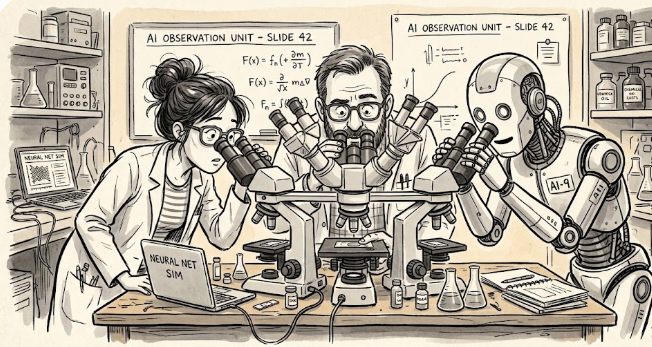
A recent Wall Street Journal article painted this picture: Silicon Valley techies at a holiday party, sneaking glances at their laptops, checking on fleets of AI bots grinding away on coding tasks while they sipped Celsius (which I’m not cool enough to know I need). The piece by Kate Clark framed AI assistants as the modern Tamagotchi: digital pets with firepower. The next day, I saw Mahnoor Faisal’s piece on Boris Cherny’s (Claude Code's creator) workflow. My inbox was full of examples of people getting work done with agentic tools.
I’d waited long enough. I've been watching Alexandra Samuel develop her persistent and agentic AI assistant, Viv, since the summer of 2024. (If you haven't listened to the TVO podcast "Me Plus Viv," it's a fascinating and musical window into what a human-AI working relationship can be.) Yesterday, I built my persistent AI assistant. Yes, I picked a cool name, and no, it’s not HAL.
What Is a Persistent AI Assistant?
No, I don’t mean an assistant that bugs you all the time. AI chatbots like Claude, ChatGPT, or Gemini don't remember anything from one session to the next. A persistent-memory AI assistant solves this by storing structured text files in a folder on your computer that the AI reads at the start of each session and updates at the end. Think of it like hospital shift-change notes: the outgoing nurse leaves a briefing for the incoming one so patient care is continuous.
The folder becomes the AI's memory. It contains an instruction file that defines who the assistant is and how it should behave, memory files that capture your profile and preferences, handoff notes from previous sessions, and a simple thread tracker to prevent ongoing projects from being dropped. No coding required. Everything is plain text files that you can read and edit yourself. I’ve created separate GPTs for my writing style and course design, but those are black boxes.
The Persistent-Memory AI Assistant How-To
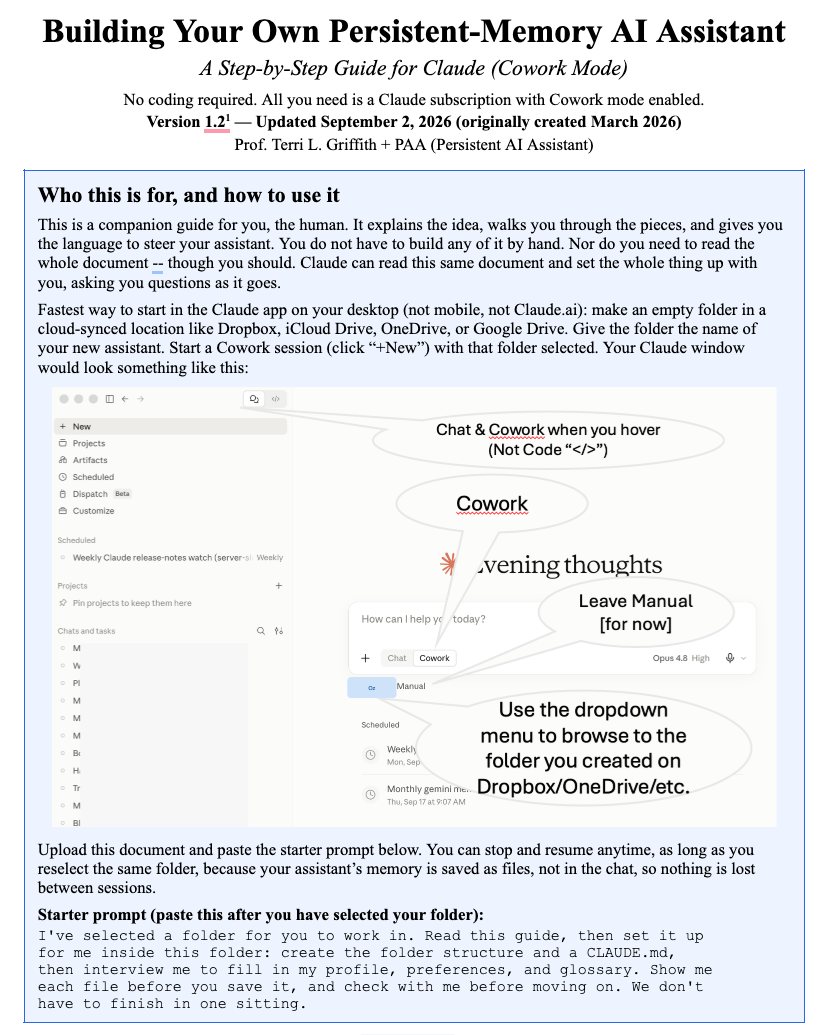
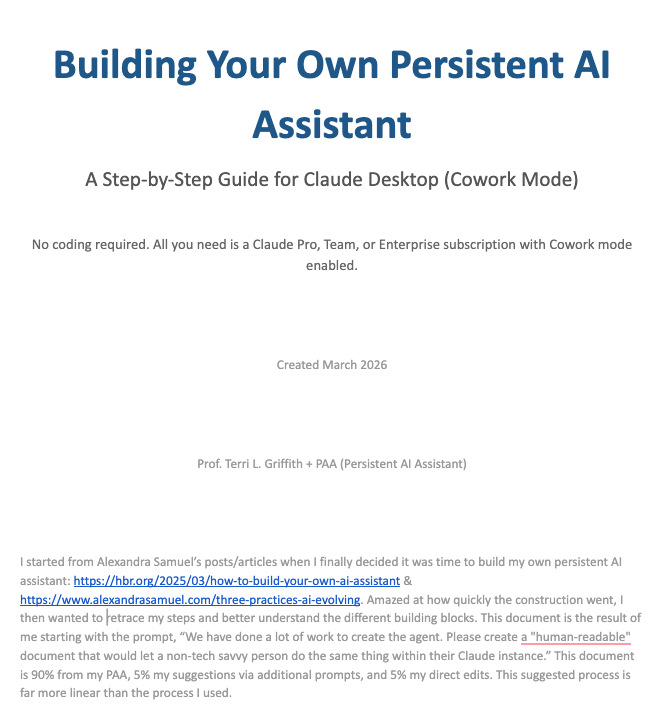
I started from Alexandra Samuel's work: her HBR article on building your own AI assistant and her piece on three structures for your AI team. Once I had my own persistent-memory AI assistant up and running, I wanted to better understand what I’d done. For example, how the files were structured, whether the assistant would run into context window limits, what the design decisions were, and whether someone without a technical background could replicate the process. The document here is the result.
I gave this prompt to my infant/journeyman assistant: "We have done a lot of work to create the agent. Please create a 'human-readable' document that would let a non-tech savvy person do the same thing within their Claude instance." The Google doc how-to is about 80% from my assistant, 10% my suggestions via additional prompts, and 10% my direct edits.
Why Bother?
The difference between a generic AI chat and a persistent-memory assistant is the difference between talking to a stranger every day and working with a colleague who knows your style. My assistant knows I write in first person, cite in APA 7.0, care about the distinction between augmentation and replacement as people learn to work with AI, and that when I say "the Annals" I mean the Academy of Management Annals. It knows my active research projects, my co-authors, and my frameworks. I don't re-explain any of this. I can just get started.
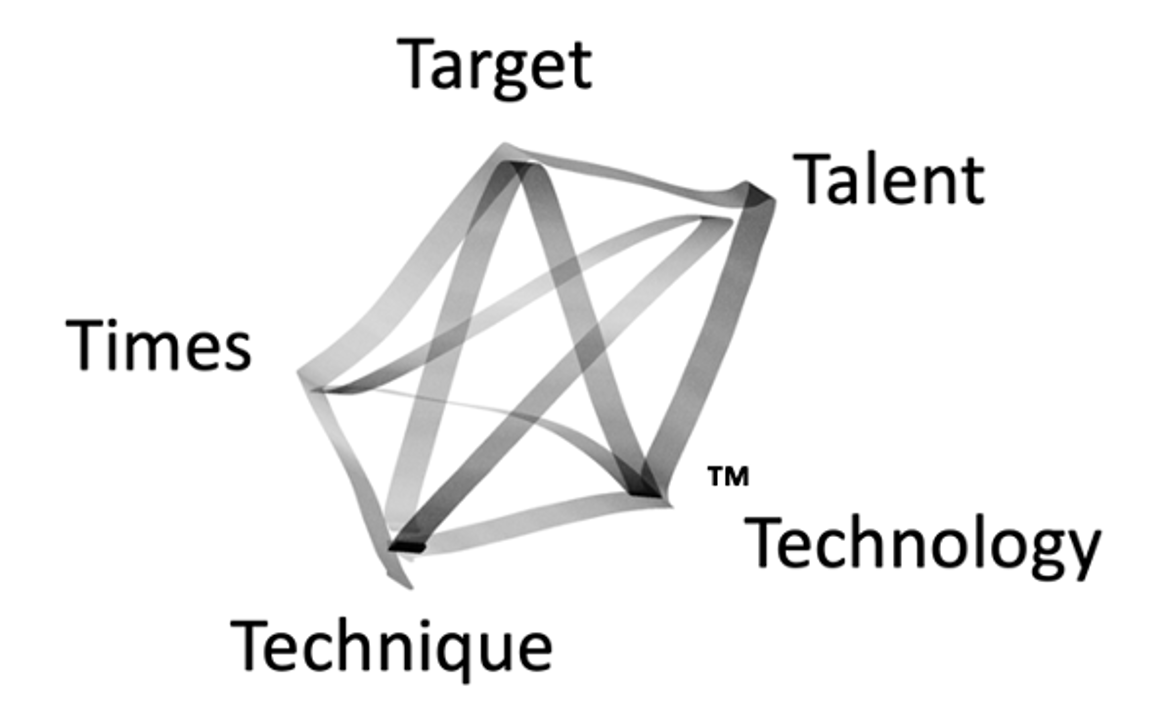
That kind of continuity changes what you can do with AI. Instead of spending the first five minutes of every session re-establishing context, you can pick up a thread from last Tuesday, ask for a revision to a draft your assistant has already seen, or say "use the 5Ts" and get output grounded in your own intellectual framework (and less likely a hallucinated version if you emphasize the importance of being factual and providing references).
A Hint
This is not magic, nor effortless -- but it was fun. My process was iterative, and it involved conversations in which I taught the assistant about my work by feeding it my papers, blog posts, and chat histories. The guide makes it look clean and sequential because that's what a guide should do, but the actual experience was more like training a new research assistant: a mix of explicit instruction, correction, and learning what works by trying things. The best part: I don’t feel guilty if I walk away.
It also requires a specific platform. The guide is written for Claude Desktop's Cowork mode, which gives the AI access to a folder on your computer. If you're using ChatGPT, Gemini, or another tool, the underlying principles still apply: persistent context through structured files, but the mechanics will differ.
The hint: See what happens if you just tell Claude to use the Google doc to build your own assistant. Maybe my next step will be to have my assistant build an AI-readable document rather than this one for humans. (Update: I did ask my assistant and it told me it would be a waste of time. The AI is happy with the human-readable document.)
Sharing Flywheel
Creating a sharing flywheel is a concept I share in some of my AI workshops. We all learn more the more we share. If you build your own persistent assistant, I'd genuinely appreciate hearing how it goes. Check out the comment button below.
Disclosures: I started this process with a paid Claude Pro account. I eventually maxed out my daily limit and jumped into a Max account for this month. If I had more patience, I could have stayed on my Pro subscription. The document shared here was drafted by my persistent AI assistant following my editorial guidance, direct edits, and contributions from ever-present Grammarly. The process described in the guide is based on my personal experience and is not affiliated with or endorsed by Anthropic. In Sep of 2026, I moved back to a $20/month Pro account with no trouble, given my usage.